

Getting API Credentials
To use the Chessa API, you’ll need to obtain API credentials. This guide will walk you through the process of getting your API keys.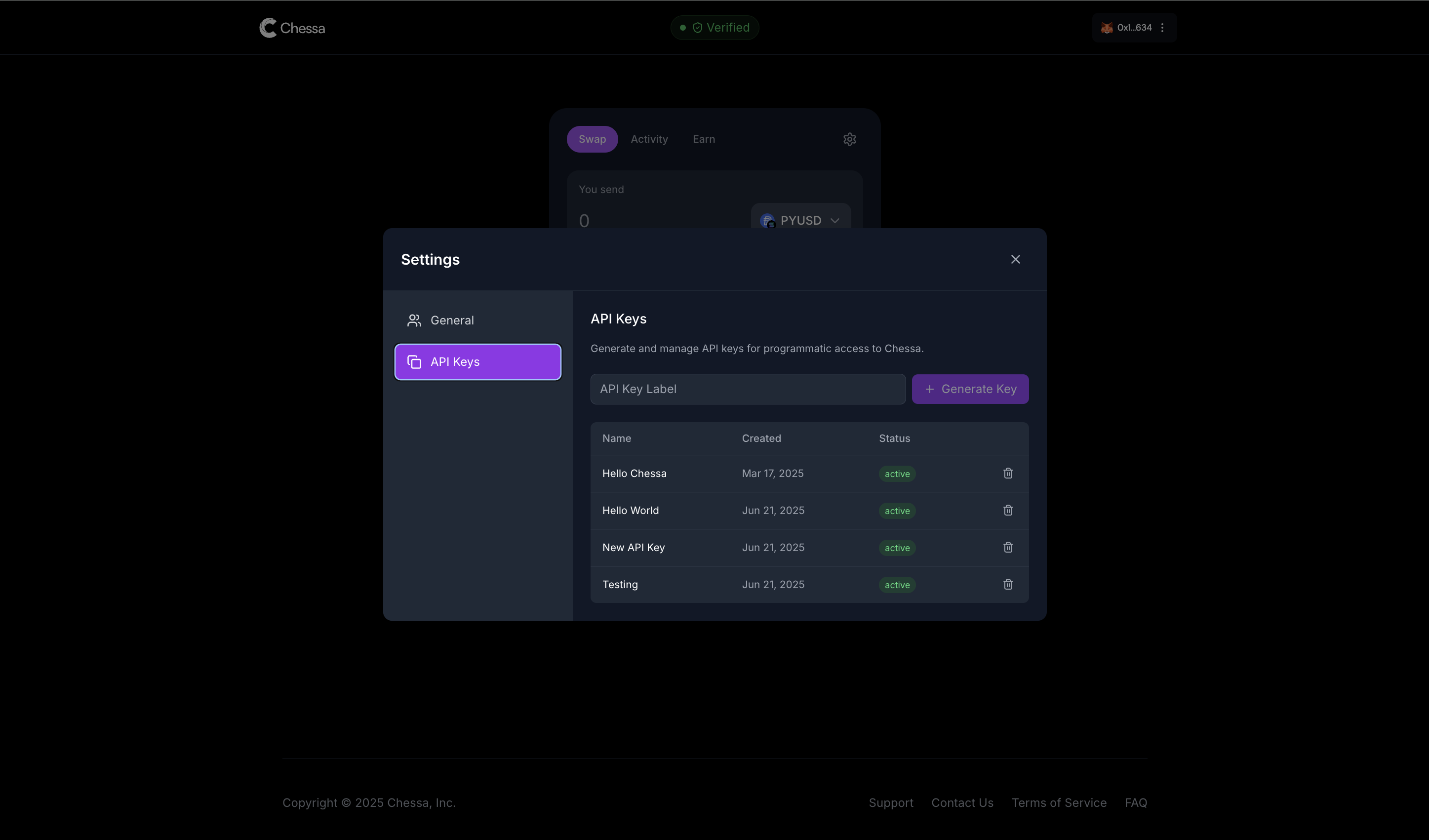
Step 1: Sign Up
Create a Chessa account by visiting chessa.ai and completing the registration process.Step 2: Complete KYC
Before you can access API credentials, you’ll need to complete the Know Your Customer (KYC) verification process:- Navigate to the KYC section in your Chessa dashboard
- Provide the required identification documents
- Wait for verification approval (typically within 24-48 hours)
Step 3: Create API Keys
Once your account is verified, you can create your API credentials:- Log in to your Chessa dashboard
- Navigate to Settings
- Select the API tab
- Click Create API Key
- Name your API key
- Copy and securely store your Client ID and Client Secret
Using Your API Credentials
Once you have your credentials, include them in the headers of all API requests:API Reference
Explore the complete API reference to start building with Chessa.